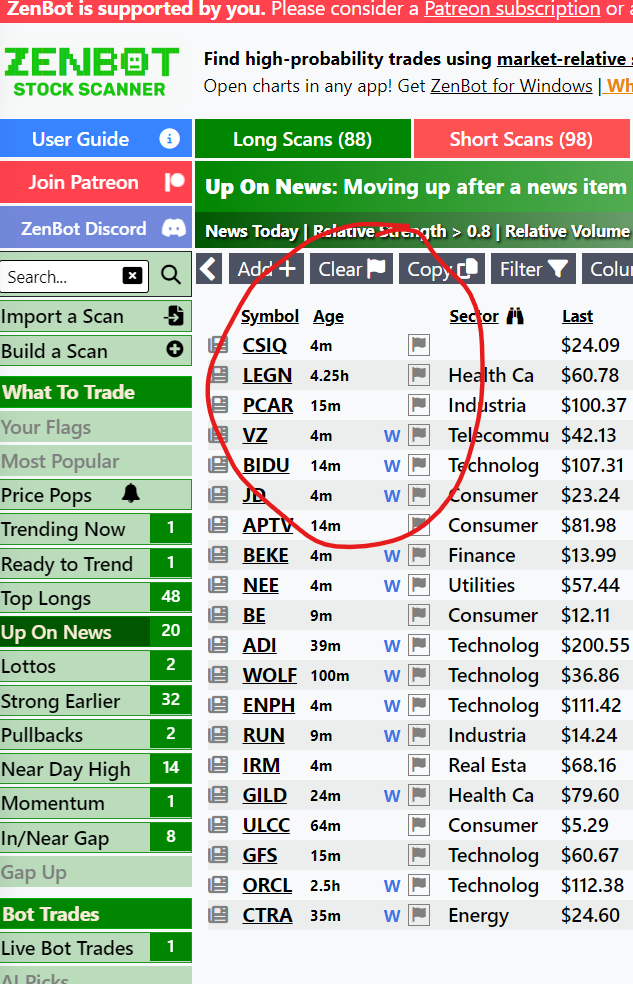
Scan results will now show an Age column indicating how much time has passed since the ticker appeared in the scan. This will help you see fresh additions to a scan list, or focus on a ticker that has been trending for a long time.
Market Calendar and Alerts
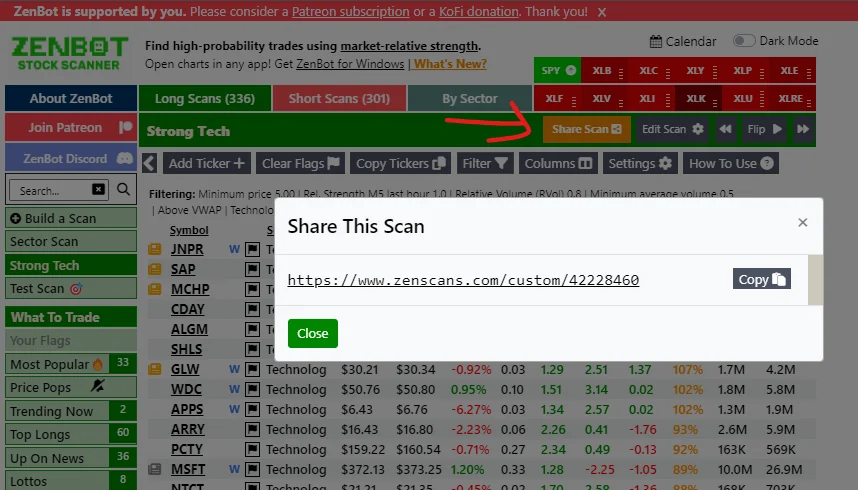
Share Custom Scans
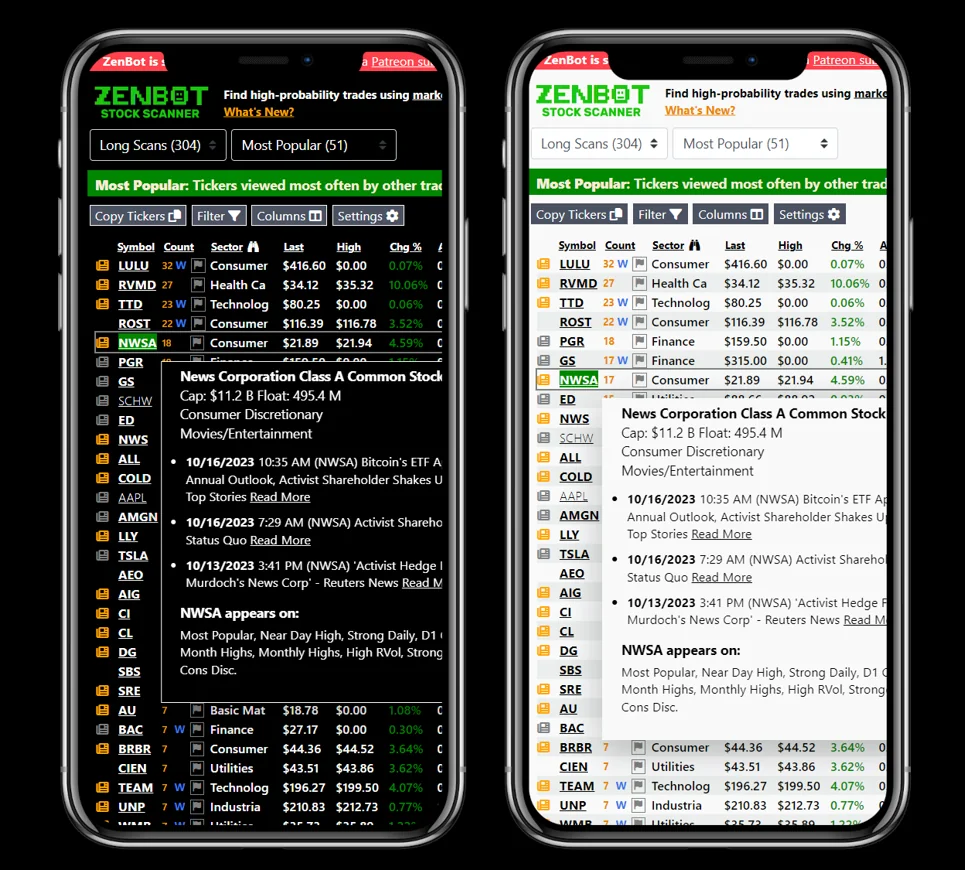
Mobile and Small-Screen Views
You’ve been asking for this since the beginning (and I thought you were a little crazy). Zen now has a mobile layout that works great on your phone. The Windows app also supports small-screen mode and is perfect for launching tickers in your favorite charting app (TradingView, OneOption, ThinkOrSwim, IBKR, etc.).
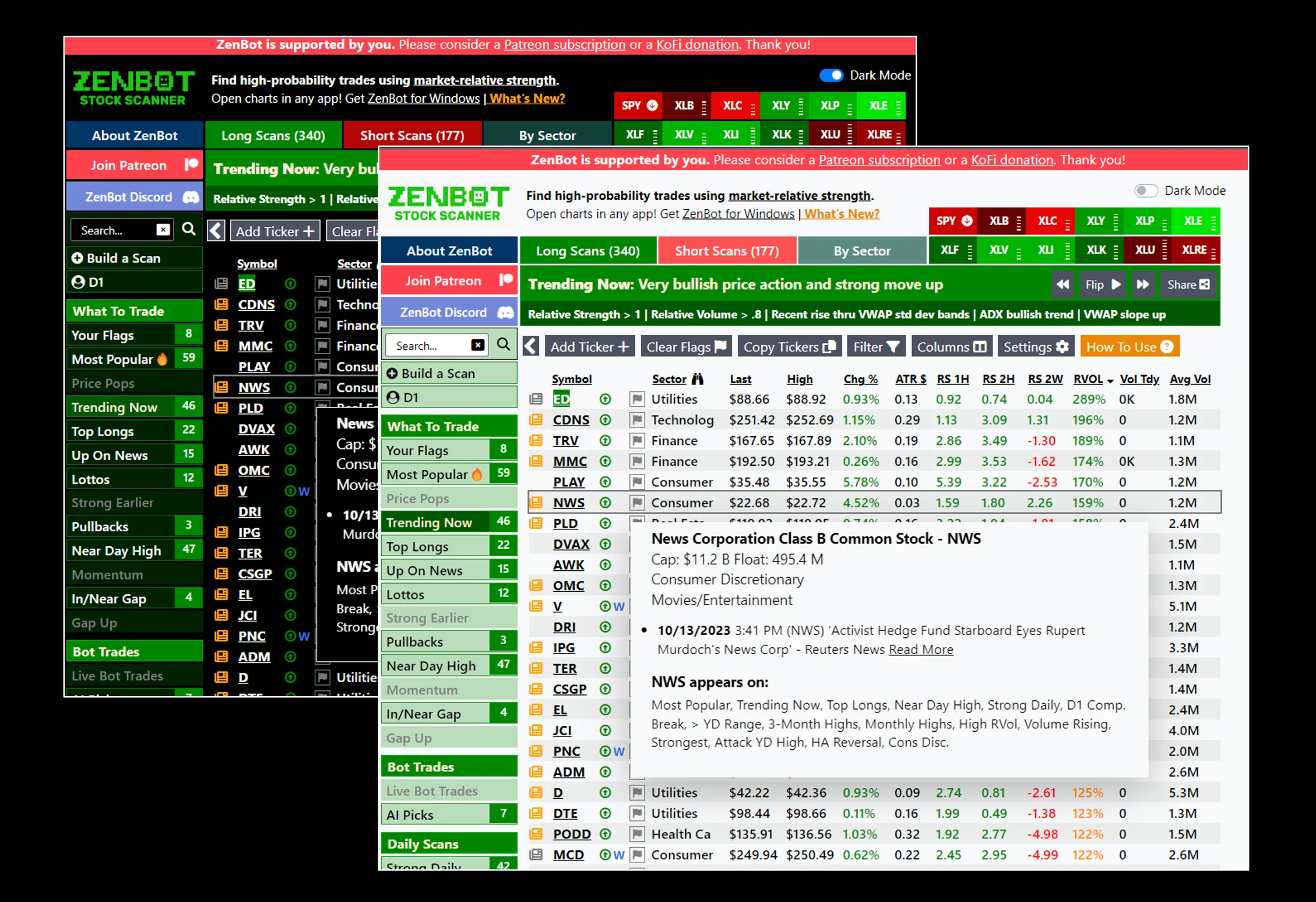
Light Mode / Dark Mode
‘Most Popular’ Scan
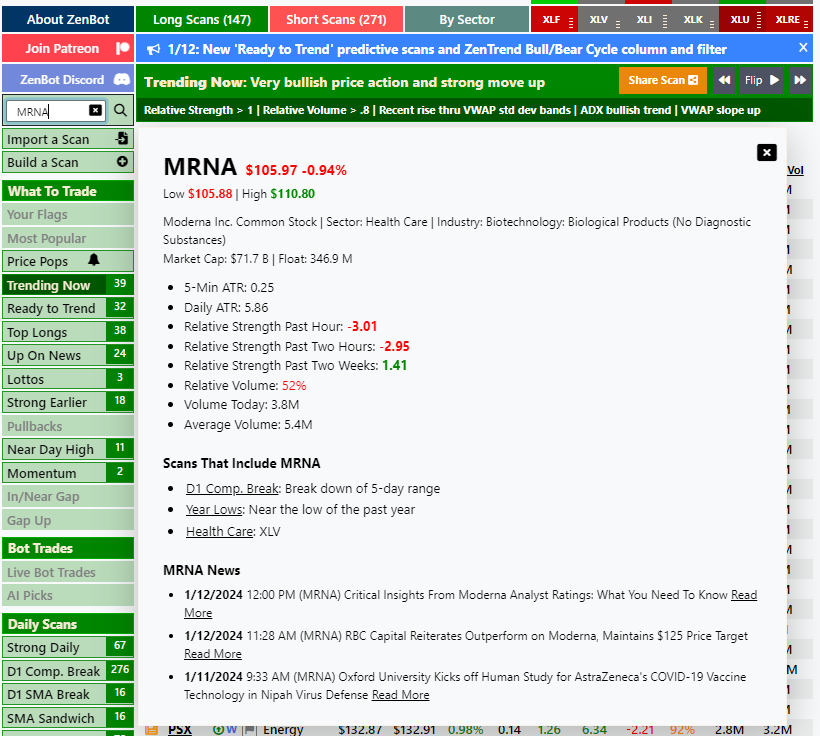
Ticker Search
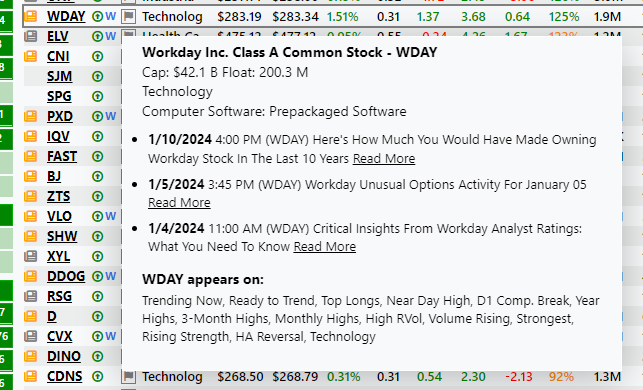
Ticker News
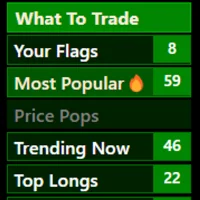
Price Pops
Launch Charts in Your Charting App
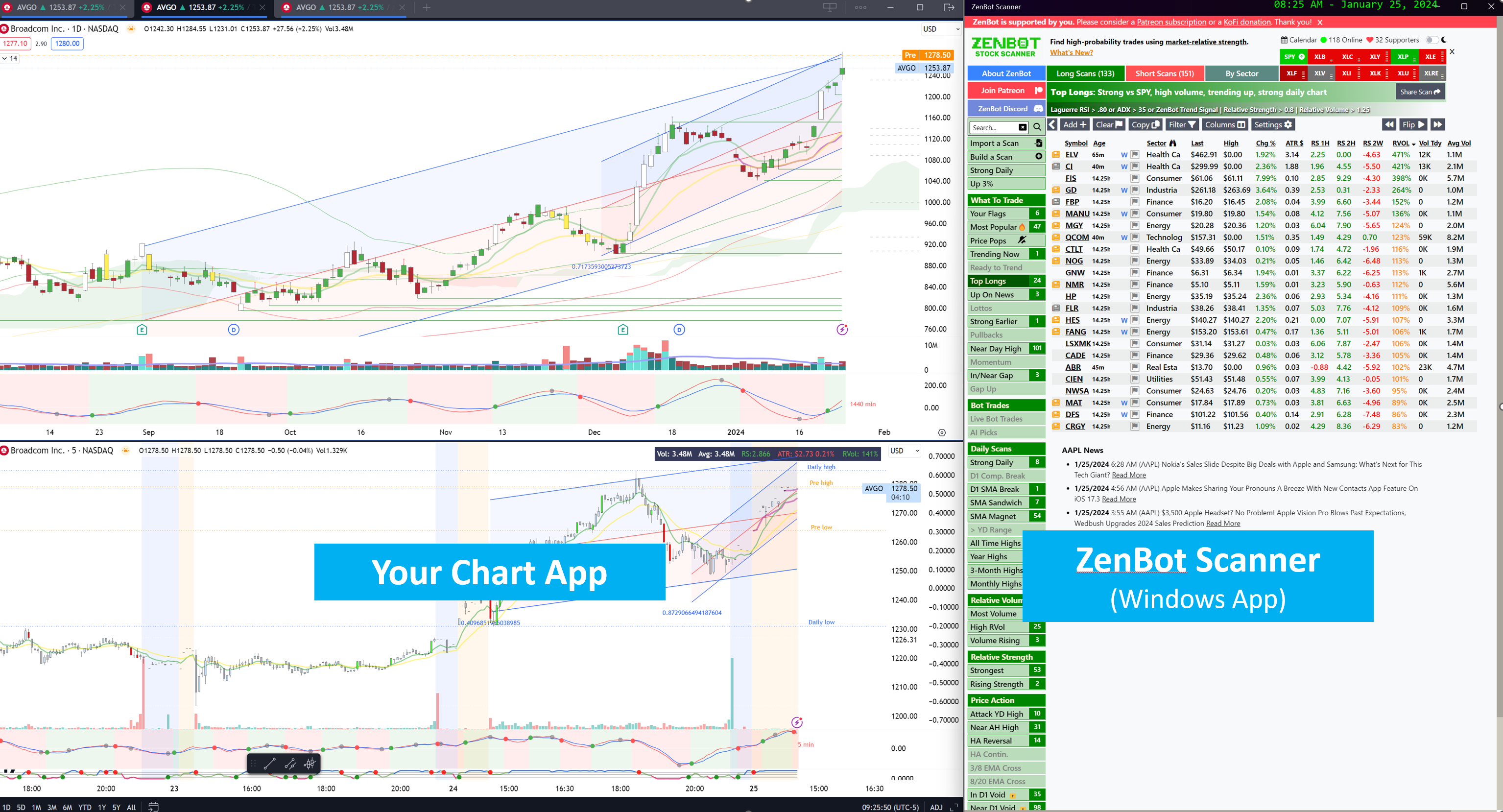
The ZenBot Scanner app has one key feature the website doesn’t. It can launch stock charts in your charting platform of choice (TradingView, ToS, TC2000, and more). The ZenBot Scanner app allows you to configure an “auto type” feature that automatically launches a selected ticker in TradingView, ToS, TC2000, or […]