Skip to content
ZenBot Stock Scanner
  • Guide
  • New Features
  • Training Videos
  • Launch ZenBot Scanner
Back to New Features

New Guide – How to Launch Charts In Your Charting App
January 27, 2024 (January 27, 2024) zenbot

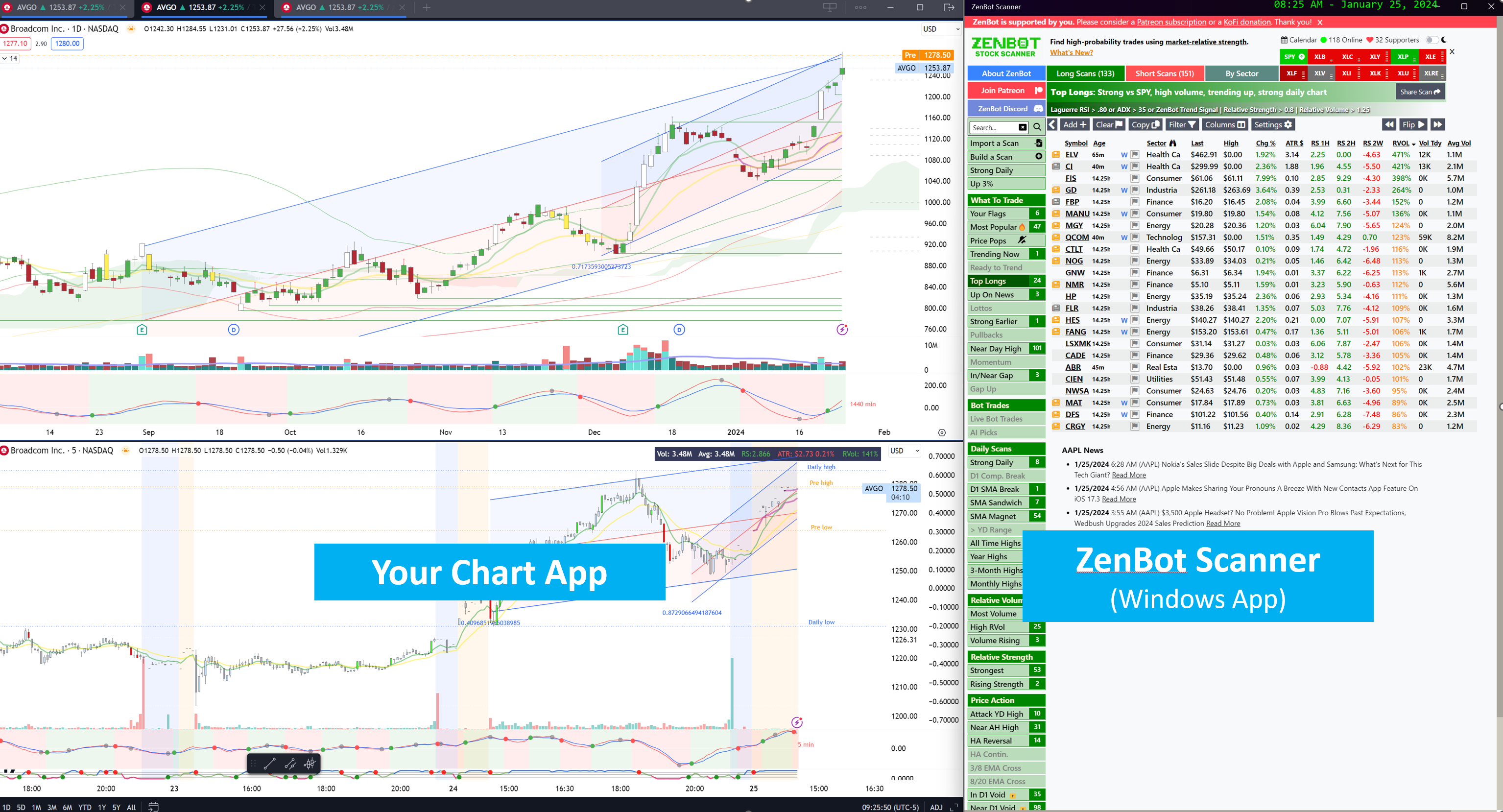
A new user guide section is available on how to configure the ZenBot Scanner Windows App to launch charts in your preferred charting app (TradingView, ThinkOrSwim, TC2000, etc.). If you haven’t tried this feature yet, I encourage you to give it a shot. It’s a game-changer for your stock scanning workflow.

New Guide

Post navigation

“Age” of Scan Results
New Guide – Sector Strength and Scans
New Features
  • Scan Results as Charts, Trade Signals, Saved Filters, 65 New Filters, and Lots More Oct 13, 2026
  • Charts on Every Scan Aug 27, 2026
  • Qullamaggie-Style Scans, Built In Jul 27, 2026
  • Telegram and Discord Alerts for Everyone, New Filters, Earnings on Chart Jul 27, 2026
  • Pop-Out Scans and Charts Jul 27, 2026
  • New Indicators and Bug Fixes Jul 7, 2026
  • Any Filter, Any Timeframe Jul 7, 2026
  • Your Alerts Now Follow You Jun 25, 2026
  • Real-time 1 Minute Intra-Bar Scans & Alerts Jun 24, 2026
  • New in ZenBot Turbo: Telegram and Discord Alerts Jun 22, 2026
See all
© 2026 ZenBot Scanner Launch the scannerGuideNew featuresVideos