You know the drill: your charting platform is full screen, ZenBot’s on the other monitor, a stock hits your alert, and you miss it. Not anymore. ZenBot now plays a sound when an alert fires.
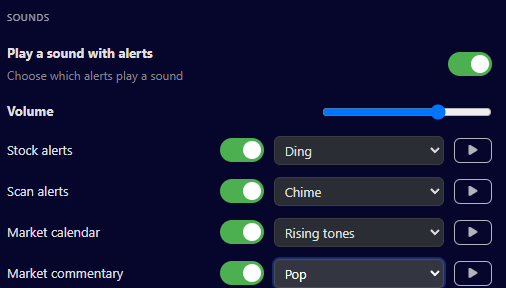
Stock alerts and scan alerts already chime, for everyone, nothing to set up. Open Alert Settings and scroll to Sounds to change it: a different sound for stock alerts and scan alerts, sounds for the market calendar and commentary too, a volume slider, and a play button to hear each one first.
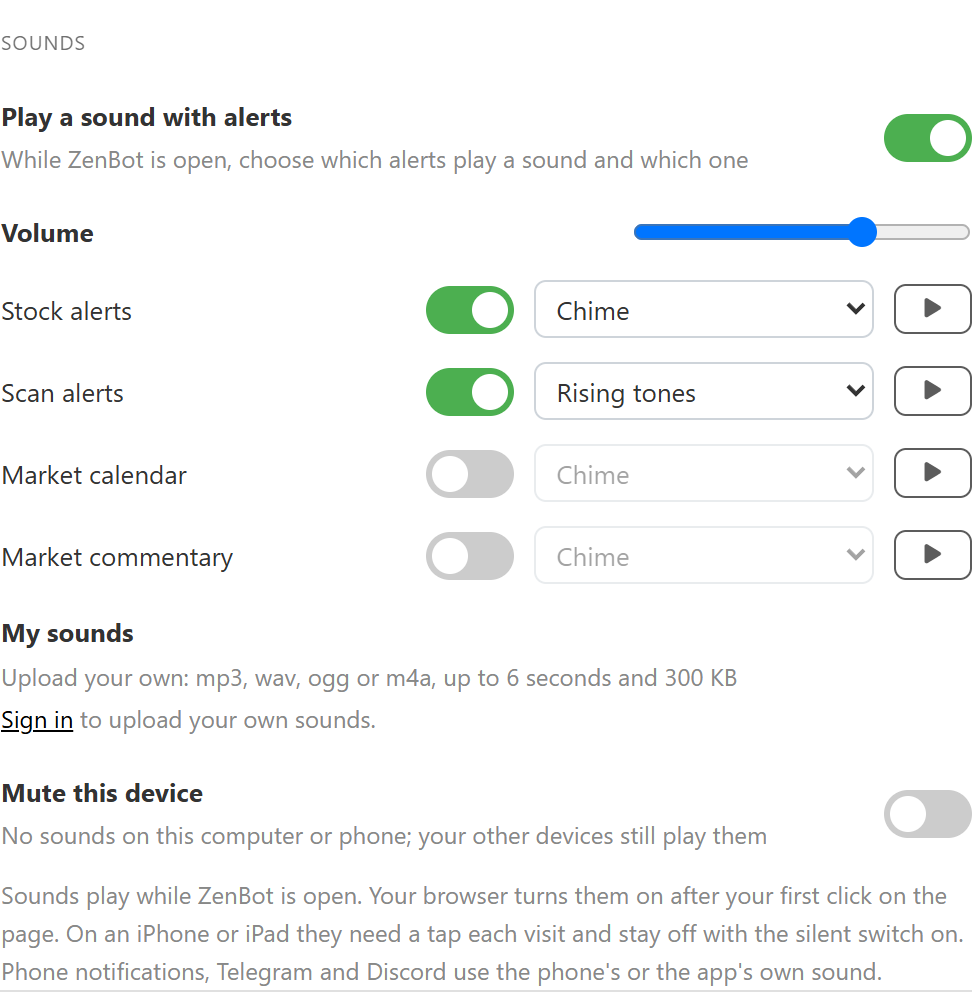
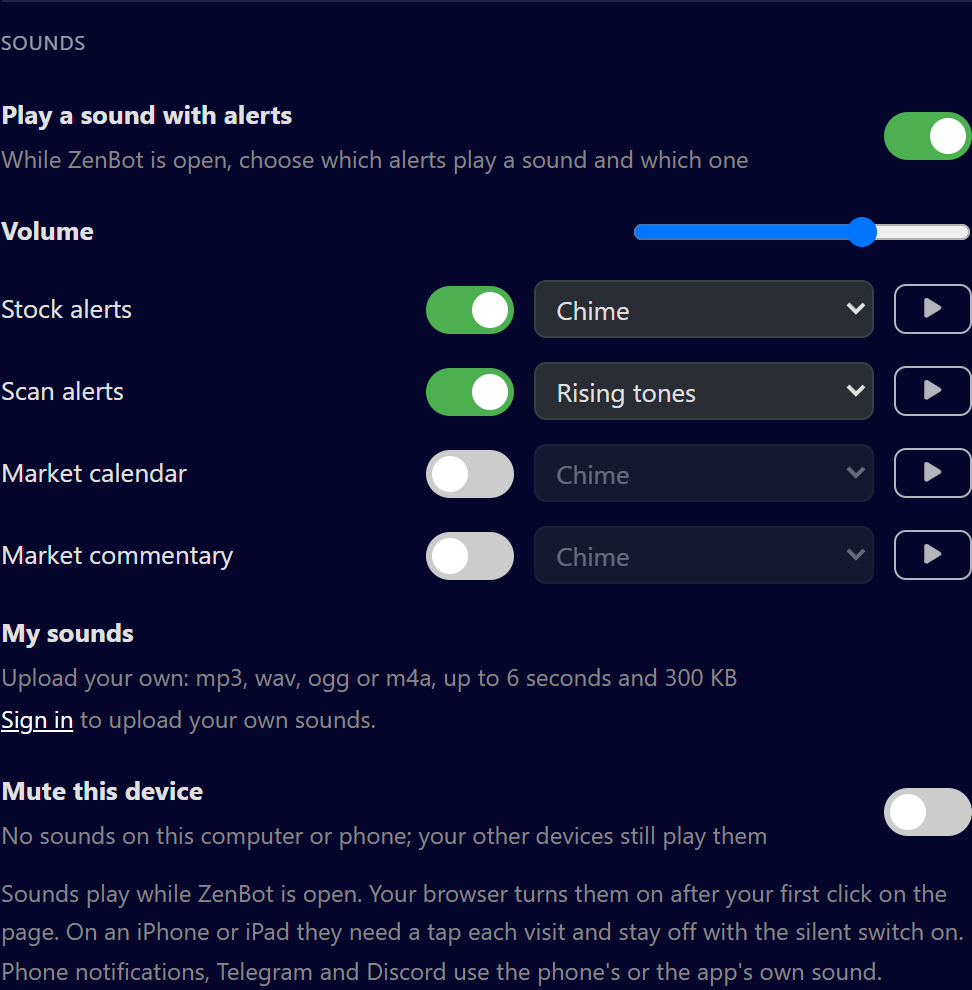
Want your own? Upload up to 10 of them under My sounds. I’ll let you decide whether an airhorn on every gapper is a good idea.
On Turbo you can give each alert its own sound, right on Manage Alerts. Put an alarm on the one or two stock alerts you really care about and keep the scans on a quiet chime.


A few things worth knowing:
- Forty scan alerts at the open is one sound, not forty.
- Got ZenBot open in three tabs? You hear it once.
- Mute this device quiets one computer and leaves the rest alone.
- Your browser wants one click on the page before it plays anything. The Windows app doesn’t.
The details are in the guide: Alert sounds, and the rest of the Alerts guide covers phone push, Telegram and Discord.