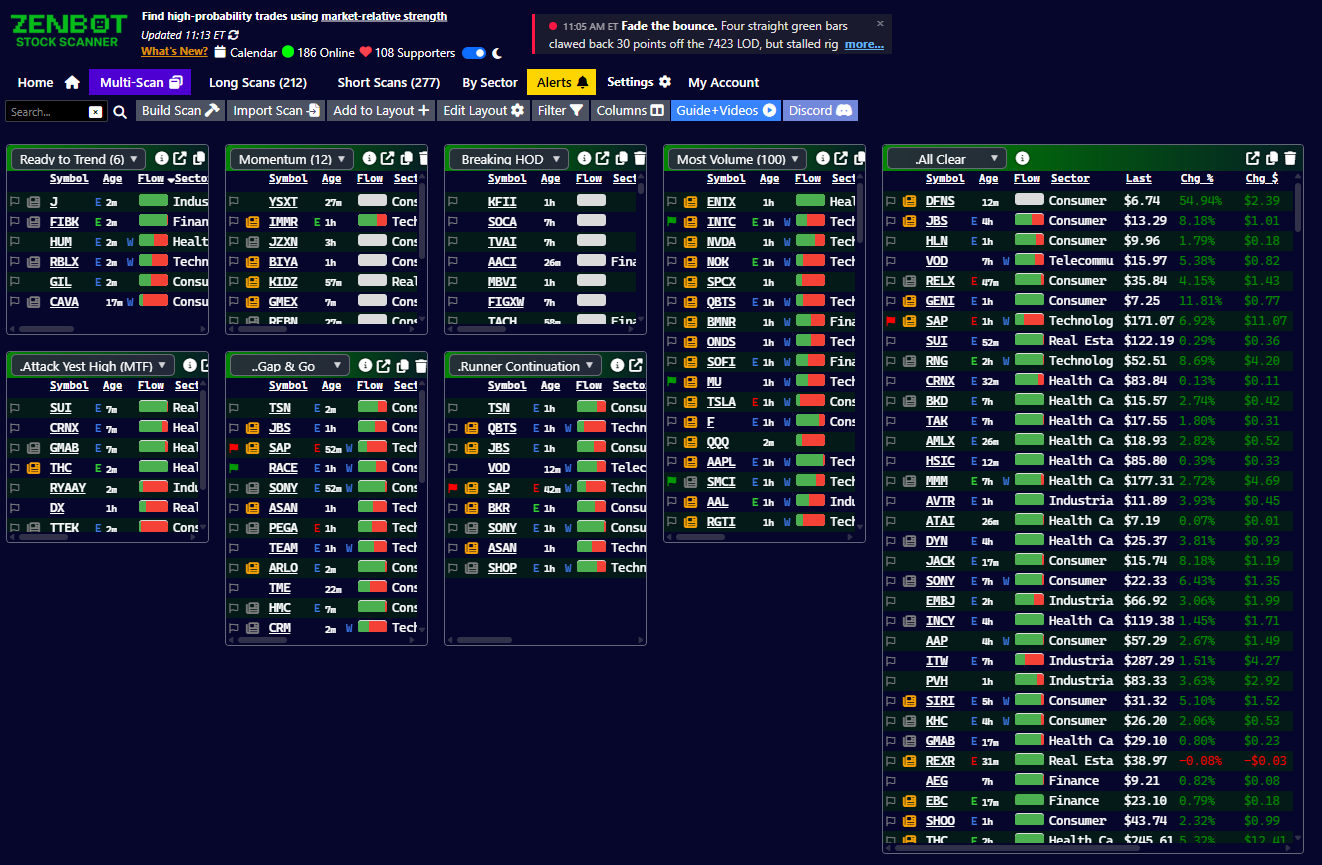
Today I’m launching a lot of new layout and window features that give you the ultimate control of your Zen setup.
Multi-Scan Columns and Layouts
Multi-scan is no longer limited to two columns. You can select up to three columns (six with Turbo), and the charts can be hidden. Dragging/dropping scans is more flexible and allows more layout options.
Charts and Scans Can be Popped Out
Any scan or chart can pop out into its own window! Drag it to a second monitor, size it how you like it, and leave it there. Charts are all linked together, so clicking a ticker in any scan will change all the charts (great for watching multiple timeframes).
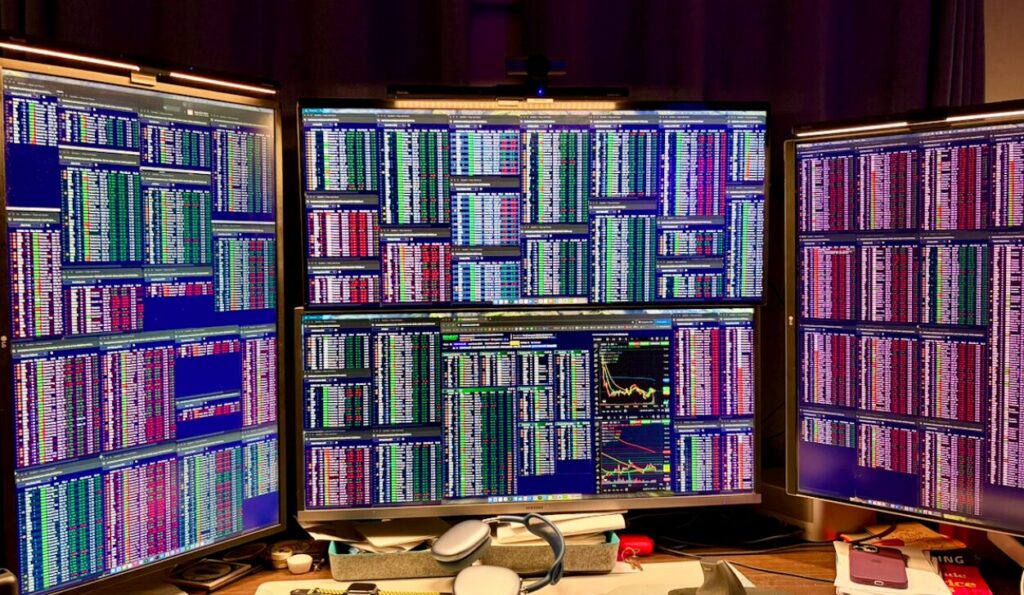
Windows App: External and Built-In Charts At The Same Time
You can now enable both built-in charts (or multiple, with the pop-out charts) and still link Zen to your preferred charting app like TradingView, ToS, IBKR, etc. All the charts will update when you click on a ticker.